How to Check NREGA Job Card/Employment Register in Assam Online: If you want to check your NREGA Job Card details online, you can easily find them through the official MGNREGA portal. By following the steps below, you can view the Job Card/Employment Register and check the names of registered workers in your Gram Panchayat.
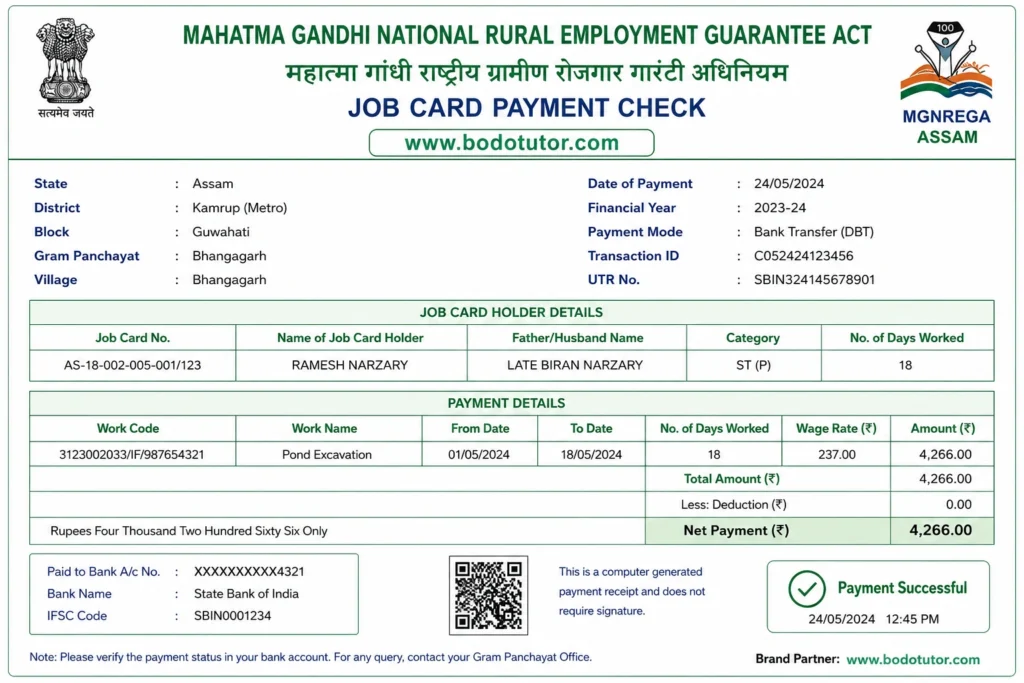
How to Check NREGA Job Card/Employment Register in Assam Online
Step-by-Step Process
Step 1: Visit the Official Website
Open the official MGNREGA Assam portal:
https://nregastrep.nic.in/netnrega/homestciti.aspx?state_code=04&state_name=ASSAM&lflag=eng
Step 2: Select Your District
From the list of districts displayed on the screen, choose your district.
Step 3: Select Your Block
After selecting the district, choose your Development Block from the available options.
Step 4: Select Your Panchayat or VCDC
Next, select your Gram Panchayat or VCDC (Village Council Development Committee).
Step 5: Click on “Job Card/Employment Register”
After selecting all the required details, the Gram Panchayat Reports page will open. Under the R1. Job Card/Registration section, click on “Job Card/Employment Register.”
Step 6: Find Your Name
The complete list of job card holders in your selected Panchayat/VCDC will appear on the screen. Here, you can check:
- Job Card Number
- Name of the Job Card Holder
- Registration Details
- Employment Status
Step 7: View Complete Details
Click on your Job Card Number to view complete information, including work details and other records related to your job card.
Important Note
This information is available free of cost on the official MGNREGA website. You do not need to pay any fee to check your Job Card details online.
Disclaimer: This article is for informational purposes only. The final and official information is available on the MGNREGA portal maintained by the Ministry of Rural Development, Government of India.
Check Assam NREGA Job Card
Select District → Block → Panchayat/VCDC → Job Card/Employment Register
“`
